


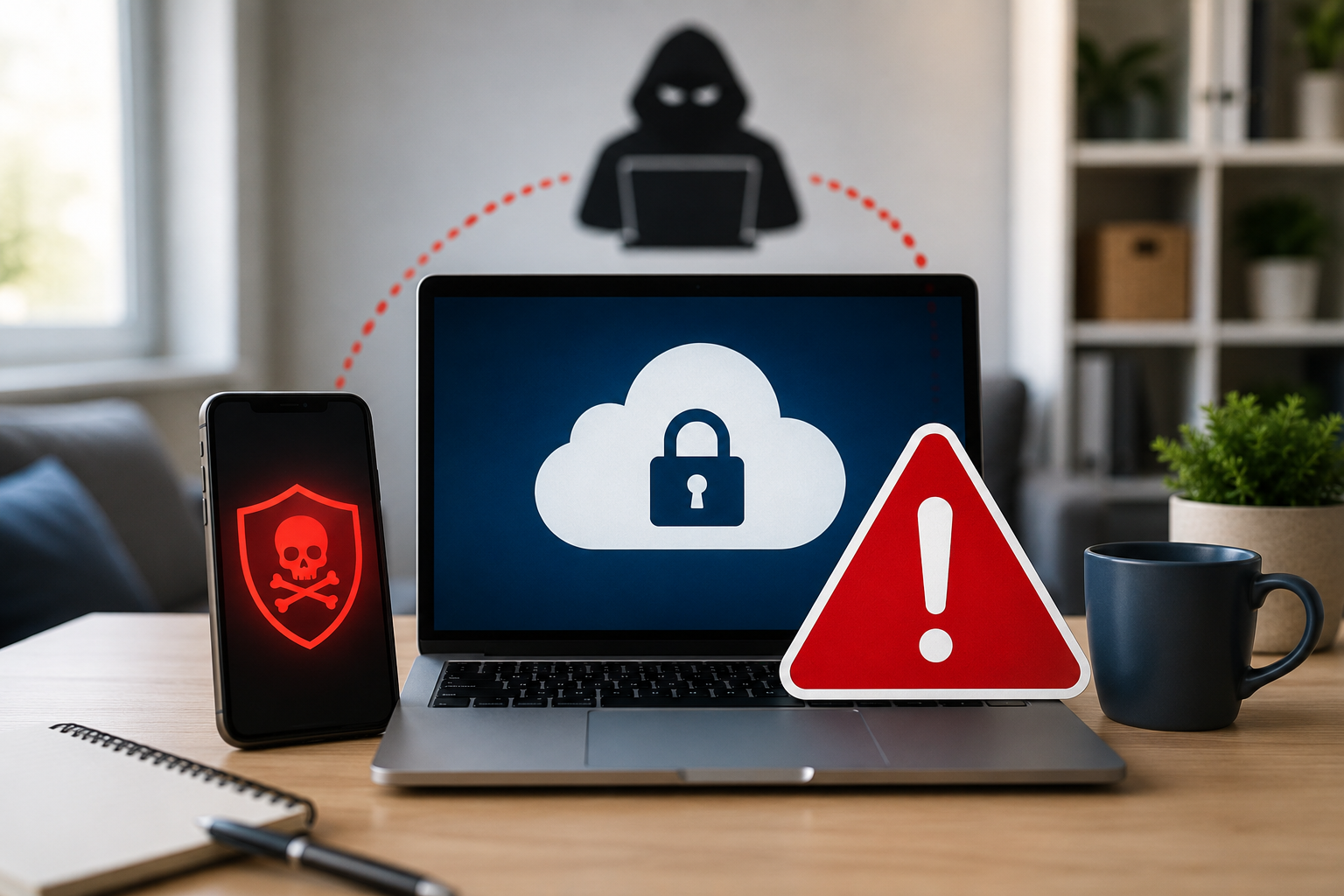
Remote work has made it easier than ever to stay connected and productive. Employees can access files, applications, email, and business systems from virtually anywhere. However, convenience can sometimes come at a cost.
If you are using a personal laptop, smartphone, or tablet to log in to company-owned cloud applications, you may be exposing your organization to unnecessary cybersecurity risks.
Many people assume that data stored in the cloud is automatically protected. While cloud services offer many security features, they are not immune to cyberattacks. In fact, an unsecured personal device can become an entry point for hackers, malware, and ransomware.
Why Personal Devices Create Security Risks
Personal devices are often used for a wide range of activities, including:
- Browsing websites
- Downloading apps
- Online shopping
- Social media
- Personal email
These everyday activities can increase the chances of accidentally downloading malicious software or visiting compromised websites.
Unlike company-managed devices, personal devices may not receive regular security updates, advanced threat protection, or ongoing monitoring. As a result, vulnerabilities can go unnoticed and unpatched, creating opportunities for cybercriminals to gain access.
The Cloud Is Not Invincible
One of the biggest misconceptions in cybersecurity is that data stored in the cloud is completely safe from attack.
The reality is that cloud data is only as secure as the devices and accounts used to access it. If a cybercriminal gains control of an employee's device or login credentials, they may be able to access sensitive business information regardless of where it is stored.
Recent cybersecurity research shows that a significant percentage of successful ransomware incidents involve data stored in public cloud environments. In many cases, attackers not only encrypt the data but also steal copies of it and hold it hostage while demanding payment.
What Company-Managed Devices Provide
Company-managed devices typically include multiple layers of protection designed to reduce risk, including:
Advanced Security Software
Professional cybersecurity tools can detect and block threats before they cause damage.
Regular Patching and Updates
Security vulnerabilities are constantly being discovered. Managed devices receive timely updates to help close these gaps.
Continuous Monitoring
IT and cybersecurity teams can identify suspicious activity quickly and respond before a problem becomes a major incident.
Device Management Controls
Organizations can enforce security policies, encryption, access controls, and other safeguards that may not exist on personal devices.
What Employees Should Do
To help protect company data and systems:
- Use only company-approved devices to access business applications and data.
- Never assume cloud-stored information is automatically secure.
- Keep all work devices updated and compliant with company policies.
- Contact your IT provider if you are unsure whether a device is authorized for business use.
- Report suspicious activity immediately.
Final Thoughts
Working remotely offers flexibility and convenience, but it also requires greater awareness of cybersecurity risks. A single unsecured personal device can create a pathway for cybercriminals to access sensitive company information.
Before logging in to business applications from a personal device, verify that it is approved, protected, and actively managed. Taking this simple step can help prevent costly security incidents and keep both your data and your organization safe.
Cybersecurity Tip: If you're unsure whether a device is properly protected, check with your IT provider before using it to access company resources. When it comes to cybersecurity, it's always better to verify first than respond to a breach later.


.png)



