


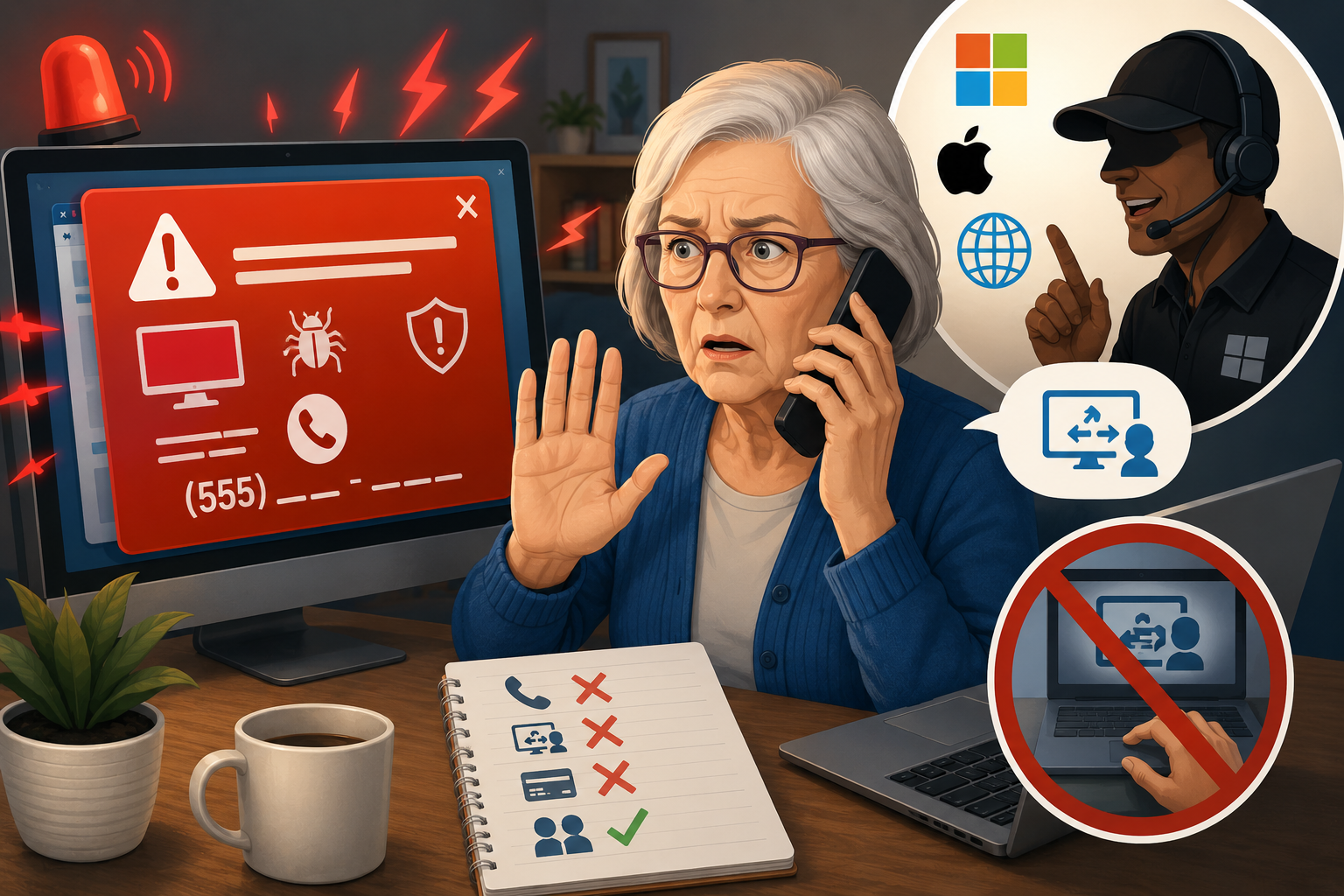
A warning suddenly fills your screen and says your computeris infected. It may play a loud sound and display a phone number. In anotherversion, someone calls claiming to work for Microsoft, Apple, your internetprovider, or a security company. Their goal is usually to frighten you intopaying for unnecessary help or giving them control of your device.
Real Companies Do Not Monitor Your Computer This Way
A legitimate technology company generally does not callunexpectedly to report a virus on your personal computer. A browser pop-upcannot reliably diagnose the entire device. Phone numbers inside alarmingpop-ups often lead directly to scammers.
Remote Access Gives a Stranger Control
Remote-access software lets another person see and operateyour screen. It can be useful when you deliberately contact a trusted supportprovider, but it is dangerous when an unexpected caller tells you to installit. A scammer may search files, view financial accounts, change settings, ormake a fake refund appear on screen.
How to Close a Frightening Pop-Up
Do not call the displayed number and do not click buttonsinside the warning. Try closing the browser window. If it will not close, useyour device’s normal restart process. After restarting, install system andbrowser updates and run the built-in security scan.
Get Help Through a Trusted Route
Contact support through the official website, the device’ssettings menu, or a number on your receipt or account statement. A trustedlocal computer professional can also help. Never allow remote access unless youinitiated the contact and independently confirmed the company.
Safety Checklist
✓ Ignore unsolicited calls about computer problems.
✓ Never install remote-access software for an unexpected caller.
✓ Do not sign in to banking while someone can view your screen.
✓ Ask a trusted person for help before paying.
A Calm Final Reminder
A loud warning can feel urgent, but it does not control yournext step. Close the message, step away from the phone, and contact supportthrough a route you choose.


.png)



