


You may have heard the term “zero trust” lately. At first, it can sound a little unfriendly. “Trust no one” does not exactly sound welcoming.
But zero trust is not about being suspicious of everyone. It is about protecting your business in a careful, common-sense way.
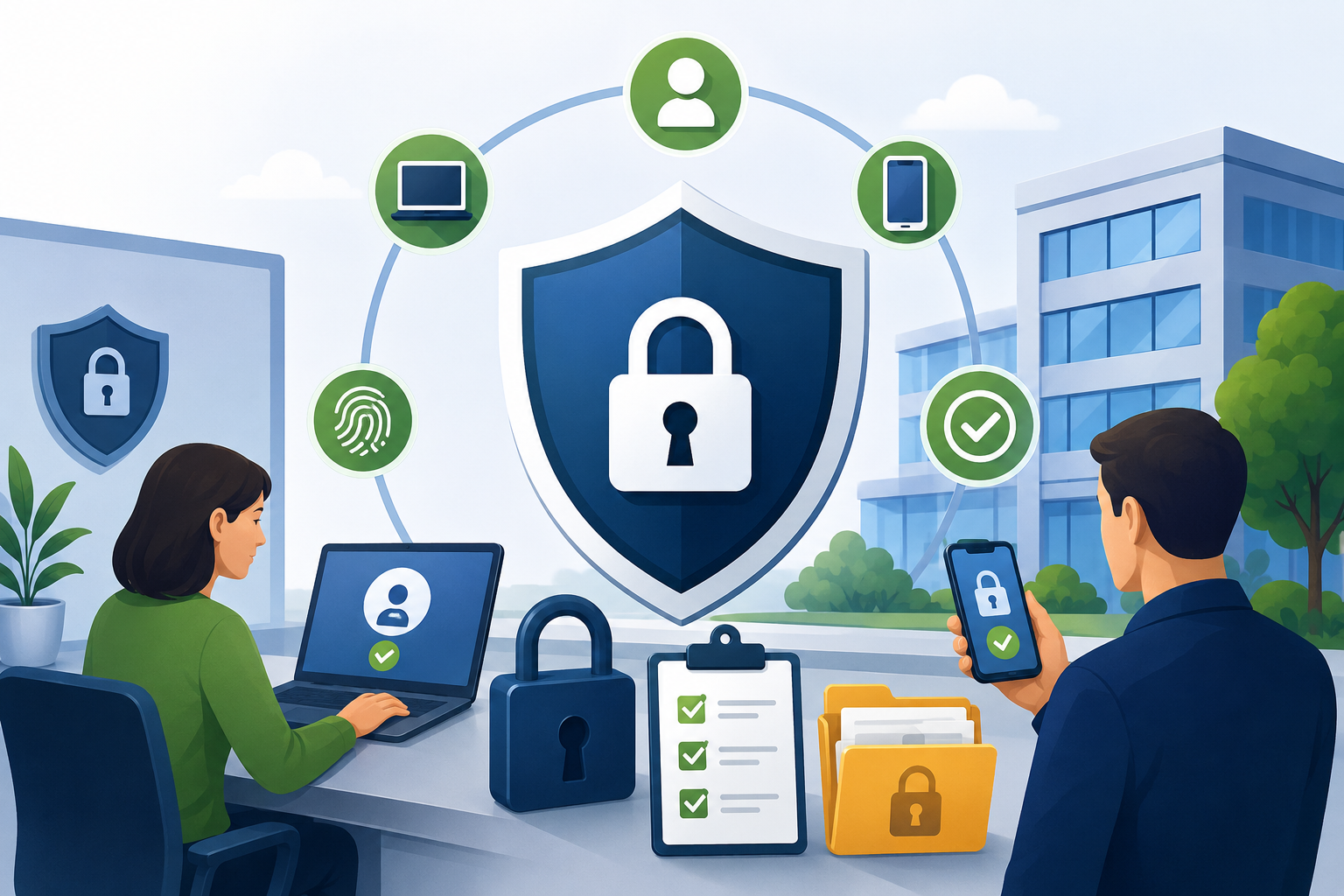
In plain English, zero trust means your business checks every person, device, and account before allowing access to important information. It does not automatically trust someone just because they are using a company computer, sitting in the office, or already logged in.
Think of it as a smarter way to lock up your business.
A Simple Way to Picture Zero Trust
Imagine your business is like your home.
The old way of handling security was like having a very strong front door, but leaving some windows unlocked. That front door may stop many people, but someone could still sneak in through another opening.
Zero trust works differently.
It is more like having a lock on every door and window. It also means checking ID before letting someone into different rooms of the house.
That may sound like extra work, but it helps keep the wrong people away from sensitive information such as customer records, payroll files, bank details, email accounts, and private business documents.
What Zero Trust Means for Your Business
Zero trust usually includes three main ideas.
1. Every Person and Device Must Prove Who They Are
With zero trust, no one gets automatic access.
Employees, business owners, vendors, laptops, phones, and tablets all need to prove they are allowed to use your systems.
It is similar to not letting someone wander through your house just because they made it past the front door. You would still want to know who they are and why they are there.
For your business, this might mean using passwords, security codes, approved devices, or sign-in alerts.
2. People Only Get Access to What They Need
Zero trust also uses the idea of “need-to-know” access.
That means each person can only open the files, apps, or accounts they need to do their job.
For example, your sales team probably does not need access to payroll files. A temporary contractor may not need access to your full customer database. Someone who manages your website may not need access to your banking records.
This limits damage if an account is stolen, misused, or accidentally shared.
3. Access Is Checked Again and Again
Zero trust does not check someone only once and then forget about it.
Even if someone proved who they were yesterday, your system may still check again today. This is helpful because passwords can be stolen, devices can be lost, and accounts can be taken over.
Think of it like a security guard who checks badges at different parts of a building, even for familiar faces. It is not personal. It is protection.
The Good News: You May Already Have Zero Trust Tools
Many modern business tools already include zero trust features.
For example, services like Microsoft 365 and Google Workspace often include security settings that can help verify users, protect accounts, and control who can see certain files.
The key is making sure those settings are turned on and set up correctly.
A Good First Step: Turn On Multifactor Authentication
One of the best first steps toward zero trust is turning on multifactor authentication, often called MFA.
MFA means you need more than just a password to sign in. After entering your password, you may also need to enter a code, approve a phone notification, or use another method to confirm it is really you.
This extra step can stop many criminals, even if they somehow get your password.
Start by turning on multifactor authentication for all business accounts, especially:
- Email accounts
- Banking and payment accounts
- Cloud storage accounts
- Business software accounts
- Administrator or owner accounts
In many cases, MFA is included at no extra cost.
Final Thought
Zero trust may sound like a complicated technology term, but the basic idea is simple:
Check everyone. Limit access. Keep checking.
It is not about making business harder. It is about making your business safer, one practical step at a time.


.png)



