


Let’s be honest: passwords can be frustrating.
Most of us have many online accounts. Email, banking, shopping, work tools, medical portals, streaming services, and more all ask for passwords. On top of that, passwords are supposed to be long, hard to guess, and different for every account.
That is a lot to remember.
This is why some people fall back on easy passwords like Password123! or use the same password everywhere. That may feel convenient, but it can put your personal information, money, and accounts at risk.
The good news is that there is a safer and easier way: use a password manager.
What Is a Password Manager?
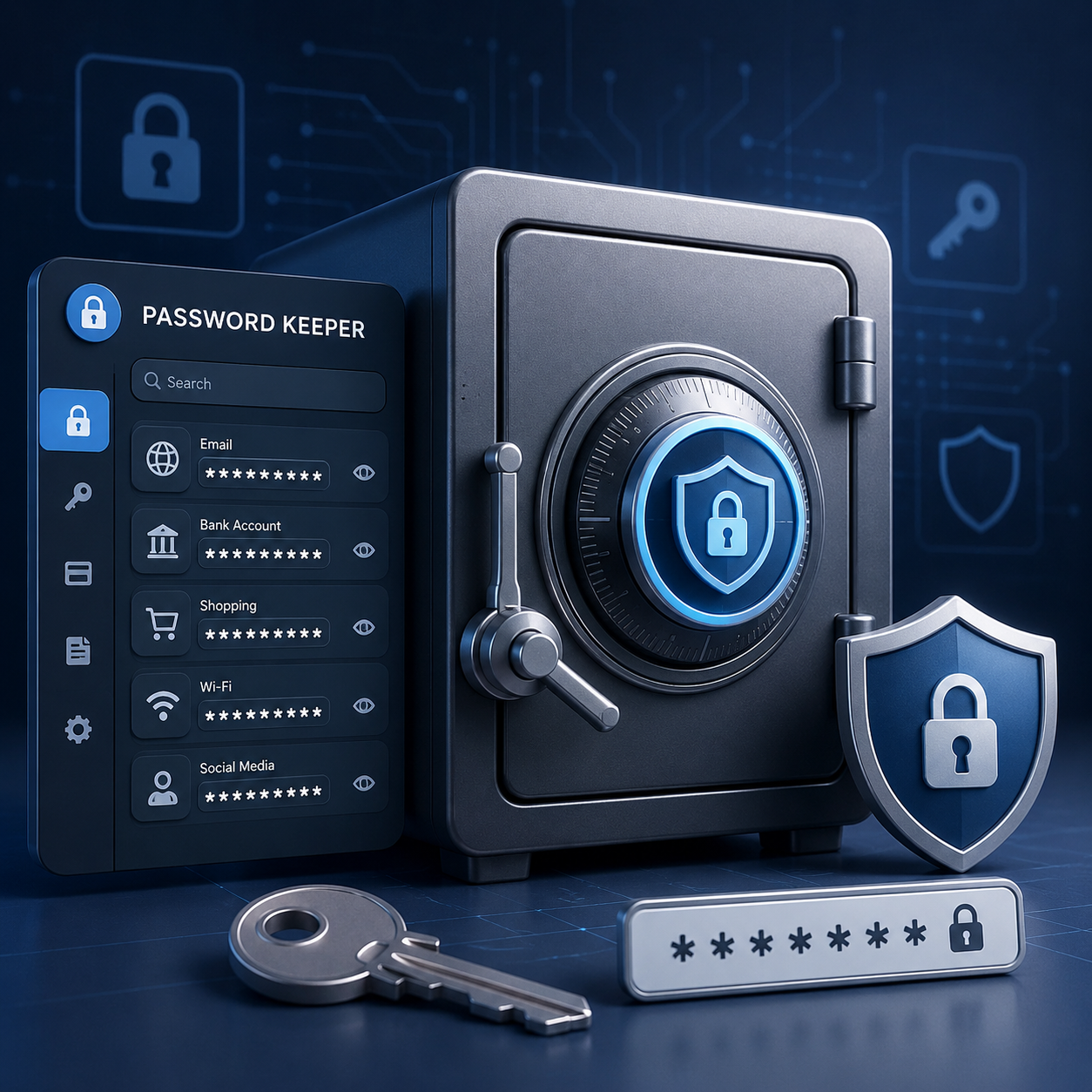
A password manager is a secure app that stores your passwords for you.
You can think of it like a locked digital vault. Instead of trying to remember every password for every account, you only need to remember one strong password. This is called your master password.
Your master password unlocks the password manager. Once it is unlocked, the password manager can help you sign in to your accounts safely.
Why Password Managers Make Life Easier
A good password manager can do several helpful things for you.
1. It Can Create Strong Passwords
Strong passwords are usually long and hard to guess. They may include letters, numbers, and symbols.
You do not have to make them up yourself. A password manager can create strong, unique passwords automatically.
That means you can have a different password for every account without needing to memorize each one.
2. It Can Fill In Passwords for You
Once your passwords are saved, the password manager can fill them in when you visit a website or open an app.
This means less typing, fewer mistakes, and less frustration.
It is especially helpful on a phone or tablet, where typing long passwords can be difficult.
3. It Can Warn You About Password Problems
Some password managers can alert you if one of your passwords may have been exposed in a data breach.
A data breach happens when hackers get access to information from a company or website. If that happens, your password may no longer be safe.
A password manager can help you know when it is time to change a password.
4. It Can Help You Share Passwords Safely
Sometimes a password needs to be shared with a spouse, family member, caregiver, coworker, or team member.
Instead of sending the password in a text message or email, some password managers let you share it more safely.
This is especially useful for business accounts or shared household accounts.
5. It Can Work on Your Phone, Tablet, and Computer
Many password managers work across different devices.
That means you may be able to use the same password manager on your computer, smartphone, and tablet.
Once it is set up, your passwords can be available when and where you need them.
Bonus Tip: Fingerprint and Face Sign-In Can Help
Many password managers now support biometrics.
Biometrics means using something about your body to help confirm it is really you. Common examples include:
- Your fingerprint
- A face scan
This can make signing in faster and easier, especially on a smartphone.
You may still need your master password sometimes, so keep it somewhere safe and memorable. But fingerprint or face sign-in can reduce how often you have to type passwords.
What Not to Do With Passwords
Avoid storing passwords in places that are not designed for password safety.
Do not keep passwords in:
- Excel spreadsheets
- Word documents
- Notes apps without protection
- Emails or text messages
- A browser’s basic password saver for business use
These places may seem convenient, but they may not provide enough protection, especially for work or financial accounts.
Hackers often look for saved password lists because they can give access to many accounts at once.
A Simple Way to Think About It
Trying to remember every password is like carrying a separate key for every door in your life.
A password manager gives you one secure key to open a protected vault. Inside that vault are all your other keys.
You still need to protect that one main key, but you no longer have to juggle dozens of passwords by memory.
Final Reminder
Passwords are one of the main ways we protect our online lives. A password manager can make that protection easier, safer, and less stressful.
Choose one trusted password manager, create a strong master password, and use it regularly. It is one of the simplest steps you can take to protect your accounts.


.png)



