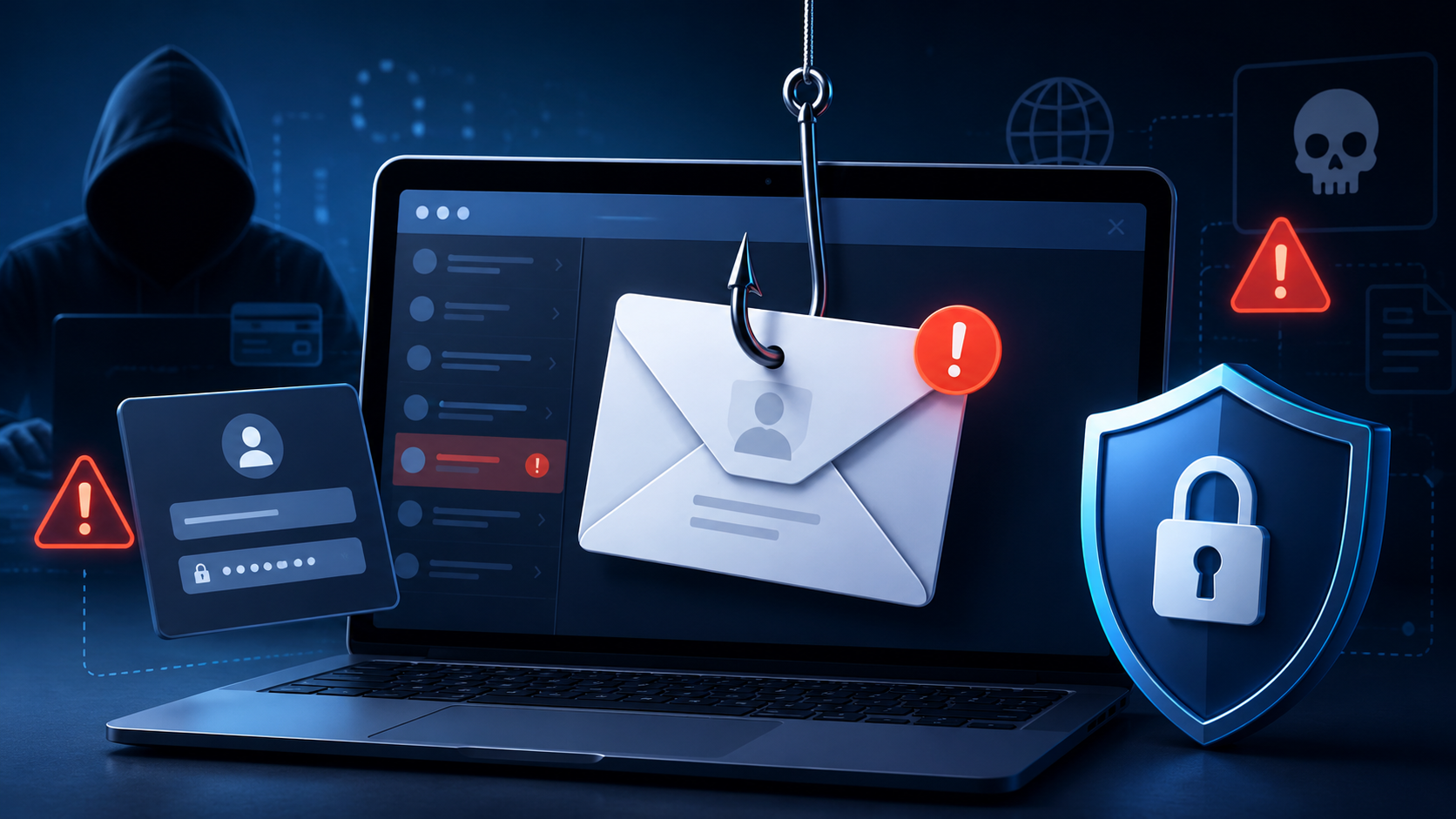
Phishing is a type of online scam.
It usually happens through an email or text message. The scammer pretends to be a person, company, or organization you trust. They may pretend to be your bank, a credit card company, an online store, a social media site, or even a government office.
Their goal is to get you to share private information, such as your password, account number, credit card number, or Social Security number. Once they have that information, they may try to get into your email, bank account, or other personal accounts.
What Does “Phishing” Mean?
Phishing is pronounced like “fishing.”
Just as someone uses bait to catch a fish, scammers use fake messages as “bait” to catch your attention. They want you to act quickly before you have time to think.
A phishing message may look real at first. It may include a company logo, official-looking colors, or urgent wording. But the message is not really from that company.
Common Signs of a Phishing Message
Scammers often change their tricks, but many phishing emails and text messages have similar warning signs.
A phishing message may say:
Your account has suspicious activity.
There is a problem with your payment.
You must confirm your personal information.
You have an invoice you do not recognize.
You need to click a link to make a payment.
You are eligible for a government refund.
You have won a coupon, prize, or free item.
These messages are designed to make you feel worried, excited, or rushed.
Be Careful With Links and Attachments
A link is something you click or tap to open a website.
An attachment is a file that comes with an email or message.
Scammers often want you to click a link or open an attachment. The link may take you to a fake website that looks real. The attachment may put harmful software on your device.
Before you click anything, pause and ask yourself:
“Was I expecting this message?”
“Do I know and trust the sender?”
“Does this message make me feel rushed or frightened?”
“Can I contact the company another way?”
Taking a moment to pause can protect you.
Example: A Fake Netflix Email
The Cyber-Seniors guide gives an example of a fake email that appears to be from Netflix. It says the account is on hold because of a billing problem. It uses the Netflix logo and asks the reader to click a button to update payment details.
There are several warning signs:
The greeting is very general, such as “Hi Dear.”
The message creates worry by saying the account is on hold.
It asks the person to click a link to fix a payment problem.
It looks like it comes from a familiar company, but it is not really from that company.
This is why it is important not to trust a message just because it has a logo or looks professional.
How to Protect Yourself From Phishing
There are simple steps you can take to lower your risk.
1. Keep Your Computer Protected
Use security software on your computer. Security software helps protect your device from harmful programs.
Set it to update automatically. Automatic updates help your computer stay protected against newer threats.
2. Keep Your Phone Updated
Your mobile phone also needs updates.
Software updates often include important safety fixes. Set your phone to update automatically when possible.
3. Use Multi-Factor Authentication
Multi-factor authentication is an extra safety step when signing in to an account.
It means you need more than just your password. For example, you may also need a code sent to your phone, an authentication app, or a fingerprint or face scan.
This makes it harder for scammers to get into your account, even if they know your password.
4. Back Up Your Important Information
Backing up means making a copy of your important files.
You can back up files to an external hard drive or to cloud storage. Cloud storage means saving files online through a trusted service.
Back up your phone too. This helps protect your photos, contacts, and other important information.
What to Do if You Get a Suspicious Email or Text
Do not click the link right away.
Do not open attachments unless you are sure they are safe.
Ask yourself: “Do I have an account with this company, or do I know the person who contacted me?”
If the answer is no, it may be a scam. Report the message if you can, then delete it.
If the answer is yes, contact the company another way. Use a phone number or website you already know is correct. Do not use the phone number or link inside the suspicious message.
What to Do if You Already Clicked or Shared Information
Do not panic. Take action quickly.
If you shared private information, such as your Social Security number, credit card number, or bank account number, report it.
In Canada, contact the Canadian Anti-Fraud Centre.
In the United States, visit IdentityTheft.gov.
If you clicked a link or opened an attachment and think harmful software may have downloaded, update your security software. Then run a scan on your computer.
A Simple Rule to Remember
When a message asks for money, passwords, account numbers, or quick action, pause first.
Scammers want you to hurry. Staying calm and checking carefully is one of the best ways to protect yourself.
Need More Help?
For more information, contact us at 763-335-9255 or visit bouncebacksolutions.com
This article is adapted from educational material by Cyber-Seniors. For more help, visit cyberseniors.org

.png)