


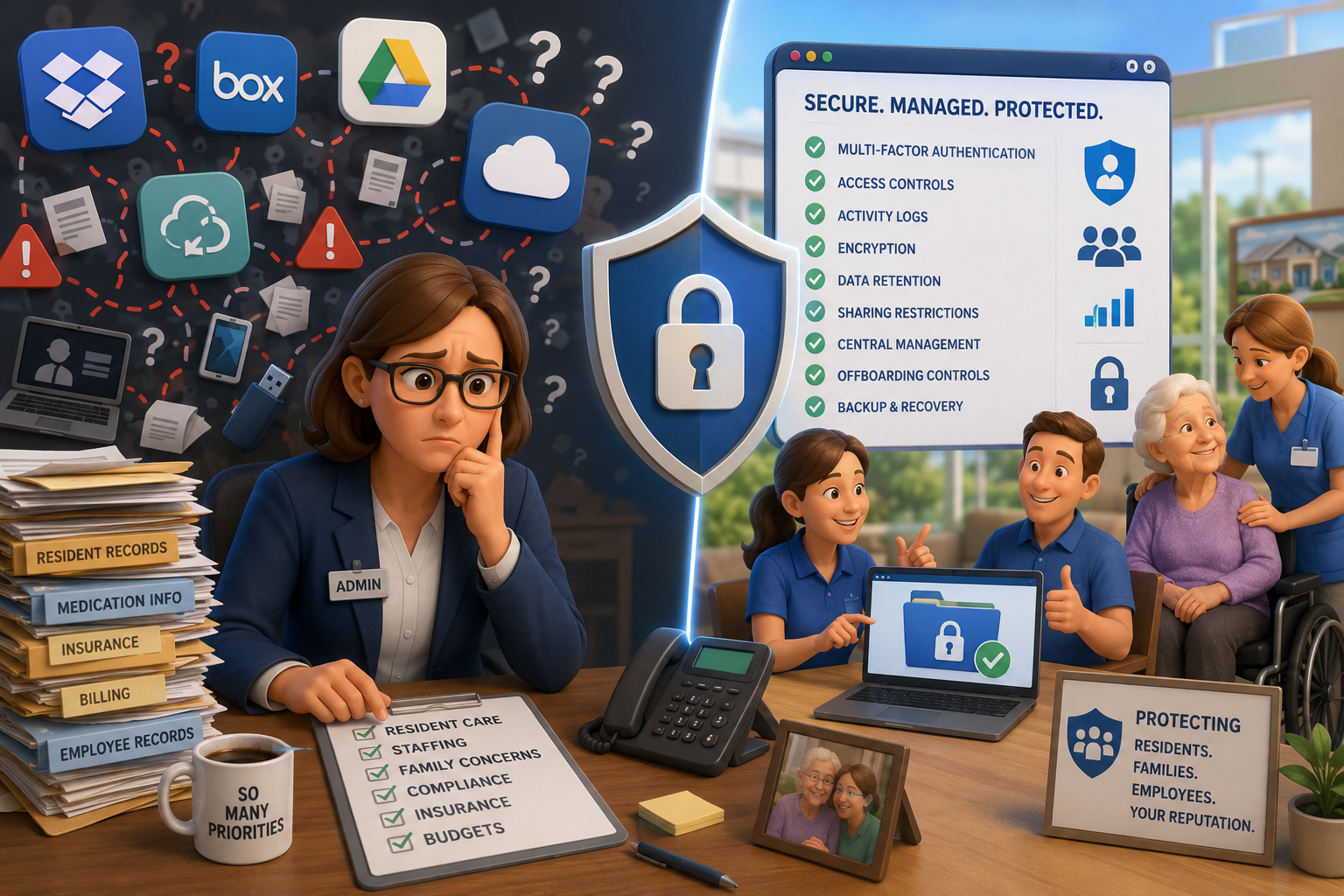
You are already managing a hundred priorities.
Resident care. Staffing. Family concerns. Compliance. Insurance. Budgets.
The last thing you need is another technology problem hiding in the background.
Unfortunately, personal file-sharing apps can become exactly that.
Employees may use Dropbox, Box, Google Drive, OneDrive, or another file-sync service because it feels quick and easy. They may want to work from home, share a document with a coworker, or move a file between devices.
But when these tools are not approved and managed by your organization, sensitive information can quickly move outside your control.
Why Personal File-Sharing Apps Create Risk
The problem is not always the technology itself.
The problem is the lack of oversight.
When an employee uses a personal file-sharing account, your organization may not know:
- What information was uploaded
- Who received access
- Whether the file was shared again
- Which devices can open it
- Whether access was removed when an employee left
- Whether the account has proper security protections
- Whether a required business associate agreement is in place
A file can be copied, downloaded, forwarded, or synced to a personal computer without leadership ever knowing.
For a senior care organization, that is a serious concern.
Resident Information Requires Extra Care
Senior living and assisted living organizations may handle many types of sensitive information, including:
- Resident health records
- Medication information
- Social Security numbers
- Insurance documents
- Billing and payment information
- Employee records
- Powers of attorney
- Guardianship documents
- Family contact information
This is not ordinary business data.
It represents the private lives of residents, families, and employees who trust your organization to protect them.
Using an unapproved personal storage account may also create HIPAA, privacy, contractual, insurance, or internal policy concerns, depending on the information involved and how the service is configured.
Here is what matters most: sensitive company information should never be stored or shared through an employee’s personal file-sharing account.
“But We Use OneDrive at Work”
That may be perfectly appropriate.
There is an important difference between a personal consumer account and a company-approved business platform.
A business-grade file-sharing system can be configured with stronger protections, such as:
- Multi-factor authentication
- Access controls
- Activity logs
- Encryption
- Data-retention rules
- Sharing restrictions
- Central account management
- Employee offboarding controls
- Backup and recovery options
The key word is managed.
Your organization should decide which platform employees use, how it is secured, who can access it, and what types of information may be stored there.
Employees should not be making those decisions on their own.
One Employee Can Create a Large Exposure
Most employees are not trying to cause harm.
They are trying to get their work done.
A staff member may send a resident document to a personal email account so they can finish it at home. A manager may create a free Dropbox folder for scheduling documents. A department head may share financial information through a personal Google Drive link.
Each action may feel harmless.
Together, they can create a trail of sensitive information spread across personal accounts and unmanaged devices.
That makes it difficult to answer a very important question:
Who has access to our information right now?
If you cannot answer that clearly, it is time to take a closer look.
What Senior Care Leaders Should Do
Start by making the expectations simple.
Tell employees which file-sharing platform is approved and explain that personal accounts may not be used for company information.
Then review your environment for possible shadow IT, which means technology or applications being used without leadership’s knowledge or approval.
Your review should include:
- Personal Dropbox accounts
- Personal Google Drive accounts
- Personal Microsoft accounts
- Unapproved Box accounts
- Personal email
- USB drives
- Consumer messaging apps
- Files saved on home computers
You should also make sure employees have an approved tool that is easy to use.
People are more likely to work around security rules when the approved process is confusing or inconvenient.
Ask Around—Do Not Assume
One of the best first steps is also one of the simplest.
Ask your leadership team and employees:
“How are you currently sharing and storing company files?”
The answers may surprise you.
Do not treat the conversation as an investigation. Treat it as an opportunity to improve.
Employees need to feel safe admitting that they have used an unapproved tool. The goal is to find the risk, fix it, and prevent it from happening again.
You are not alone in this.
Many senior care organizations discover that personal file-sharing accounts have been used quietly for years. What matters is what you do next.
Protect Resident Trust Before a Problem Happens
Cybersecurity is not only about computers.
It is about protecting residents, families, employees, and the reputation you have worked so hard to build.
A simple file-sharing habit can become a much larger problem if sensitive information is exposed, lost, or accessed by the wrong person.
The good news is that this risk can be reduced.
With clear policies, employee education, secure business-grade tools, and proper oversight, your organization can make file sharing both convenient and safe.
Are Personal File-Sharing Apps Hiding in Your Organization?
We can help review your devices, accounts, and file-sharing practices to identify unapproved applications and potential data exposure.
You will receive clear answers in plain English—without technical jargon or scare tactics.
Let’s make sure your resident information is protected, your team has the right tools, and your leadership can move forward with confidence.


.png)



