


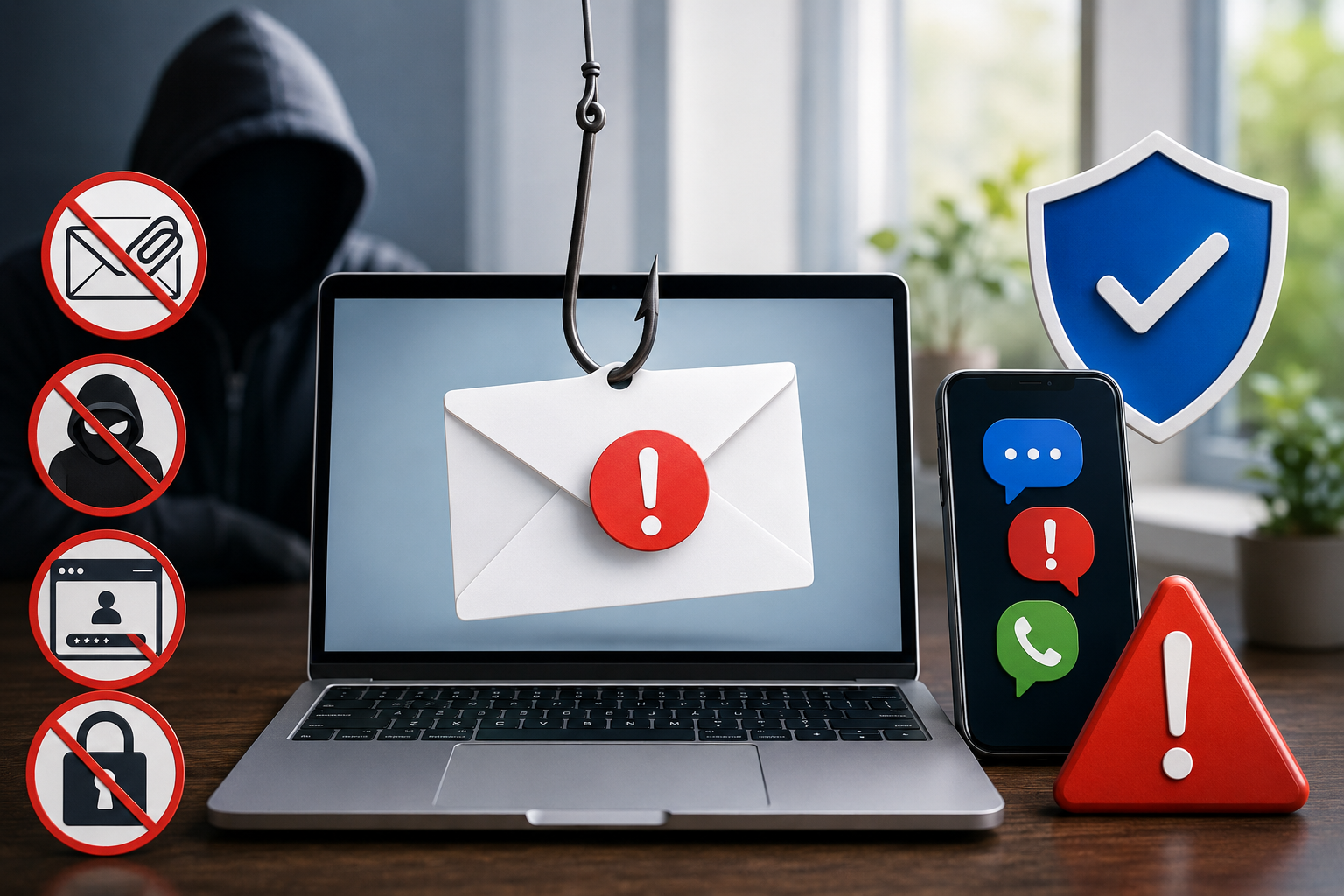
Fake emails have been around for many years, but today’s scams are more convincing than ever. Criminals often copy the look of real companies, banks, delivery services, government agencies, or even people you know.
This type of scam is called phishing. Phishing is when someone pretends to be a trusted person or organization so they can trick you into clicking a link, opening an attachment, sending money, or sharing private information.
The most important thing to remember is simple: when a message is unexpected, slow down and verify it another way before you respond.
Phishing Is Not Just Email Anymore
Many people think phishing only happens through email. While fake emails are still common, scammers now use many different methods.
Modern phishing can happen through:
Text messages: You may receive a message claiming there is a problem with a package, bank account, toll payment, or online order.
Social media direct messages: A scammer may pretend to be a friend, family member, charity, business, or public figure.
Collaboration tools: In workplaces, scammers may use messaging platforms or shared document invitations to trick employees.
QR codes: A fake QR code may lead to a dangerous website that asks for login or payment information.
Voice calls: This is sometimes called vishing, which means voice phishing. A caller may pretend to be from your bank, Medicare, tech support, law enforcement, or a well-known company.
The method may change, but the goal is usually the same: to get you to act quickly before you have time to think.
Red Flag #1: Urgency, Threats, or Pressure
Scammers often try to make you feel worried or rushed.
They may say things like:
“Your account will be closed today.”
“Your payment failed. Act now.”
“Suspicious activity has been found.”
“You must confirm your information immediately.”
“You owe money and legal action will be taken.”
Real companies may send important notices, but they usually do not pressure you to share sensitive information through a link in a message. If a message makes you feel panicked, pause before doing anything.
Red Flag #2: Unexpected Attachments
Be careful with attachments you were not expecting, even if the message appears to come from someone you know.
Attachments can be used to hide harmful software or lead you to fake login pages. Common file names may look like invoices, receipts, delivery notices, tax forms, or account statements.
Before opening an attachment, ask yourself:
Was I expecting this file?
Do I recognize the sender?
Does the message sound like the person or company?
Can I confirm it another way?
When in doubt, do not open the attachment.
Red Flag #3: Unusual Sender Behavior
Sometimes a scam message may come from a real account that has been hacked. That means the sender’s name might look familiar, but the message still feels unusual.
Watch for changes such as:
A friend asking for money or gift cards unexpectedly
A business contact sending a strange link with little explanation
A message written in a tone that does not sound like the person
A request to keep the conversation secret
A sudden change in payment instructions
Even if the sender looks familiar, trust your instincts. If something feels off, verify before responding.
Red Flag #4: Strange Login Pages
A common phishing trick is to send a link that takes you to a fake sign-in page. It may look very similar to a real bank, email, shopping, or social media website.
The scammer hopes you will type in your username and password. Once you do, they may use that information to access your real account.
Be especially careful if a message asks you to “log in to fix a problem.” Instead of clicking the link, go directly to the official website or app yourself. For example, type the company’s website address into your browser or use the official app already installed on your device.
Red Flag #5: Requests for Sensitive Information
Be suspicious of any unexpected message that asks for private information.
This may include:
Passwords
One-time security codes
Social Security numbers
Bank account numbers
Credit card information
Medicare numbers
Driver’s license details
Security questions
Gift card numbers
A real company should not ask you to send passwords or security codes by email, text, or direct message. One-time security codes are meant to protect your account, not to be shared with anyone else.
QR Code Scams: A Newer Trick to Watch For
QR codes are the small square barcodes you scan with a phone camera. They can be useful, but scammers also use them.
A fake QR code may be placed on a flyer, parking meter, restaurant table, package notice, email, or text message. After scanning it, you may be taken to a fake payment page or login screen.
Before scanning a QR code, ask:
Do I trust where this code came from?
Does the website look official?
Is it asking for information that seems unnecessary?
Could I go directly to the company’s website instead?
For payments, account access, or personal information, it is safer to use the official website or app.
The Best Defense: Verify Through Another Channel
The safest response to an unexpected message is to verify it using a different method.
That means you should not reply directly to the suspicious message or use the phone number or link it provides. Instead:
Call the company using the number on your statement, card, or official website.
Log in by opening the official app yourself.
Contact the person through a phone number you already know.
Ask a trusted family member, friend, or coworker before taking action.
For workplace messages, check with your manager or IT department through the normal company process.
This one habit can prevent many scams.
What to Do If You Already Clicked
If you clicked a suspicious link, do not panic. Take quick, practical steps.
If you entered a password, change it right away from the official website or app. If you use that same password anywhere else, change it there too.
If you shared banking or credit card information, contact your bank or card company using the official number on the back of your card.
If you shared a one-time security code, check the account immediately and update your password.
If you opened a strange attachment, run a security scan if your device has that option, and consider asking a trusted professional for help.
If money was stolen or your identity may be at risk, report the scam to the proper authorities and keep records of what happened.
A Simple Rule to Remember
Before clicking, opening, scanning, replying, or paying, pause and ask:
Was I expecting this?
Do I know this is really who it claims to be?
Can I verify it another way?
Scammers depend on speed, fear, and confusion. Taking a few extra minutes to check can protect your money, your accounts, and your personal information.
Final Thoughts
Fake emails and phishing scams are becoming more polished, but you do not need to be a technology expert to protect yourself. The best defense is caution.
If a message is unexpected, urgent, or asks for sensitive information, stop and verify through another trusted channel. A real company or person will understand. A scammer will pressure you to act before you can think.


.png)



