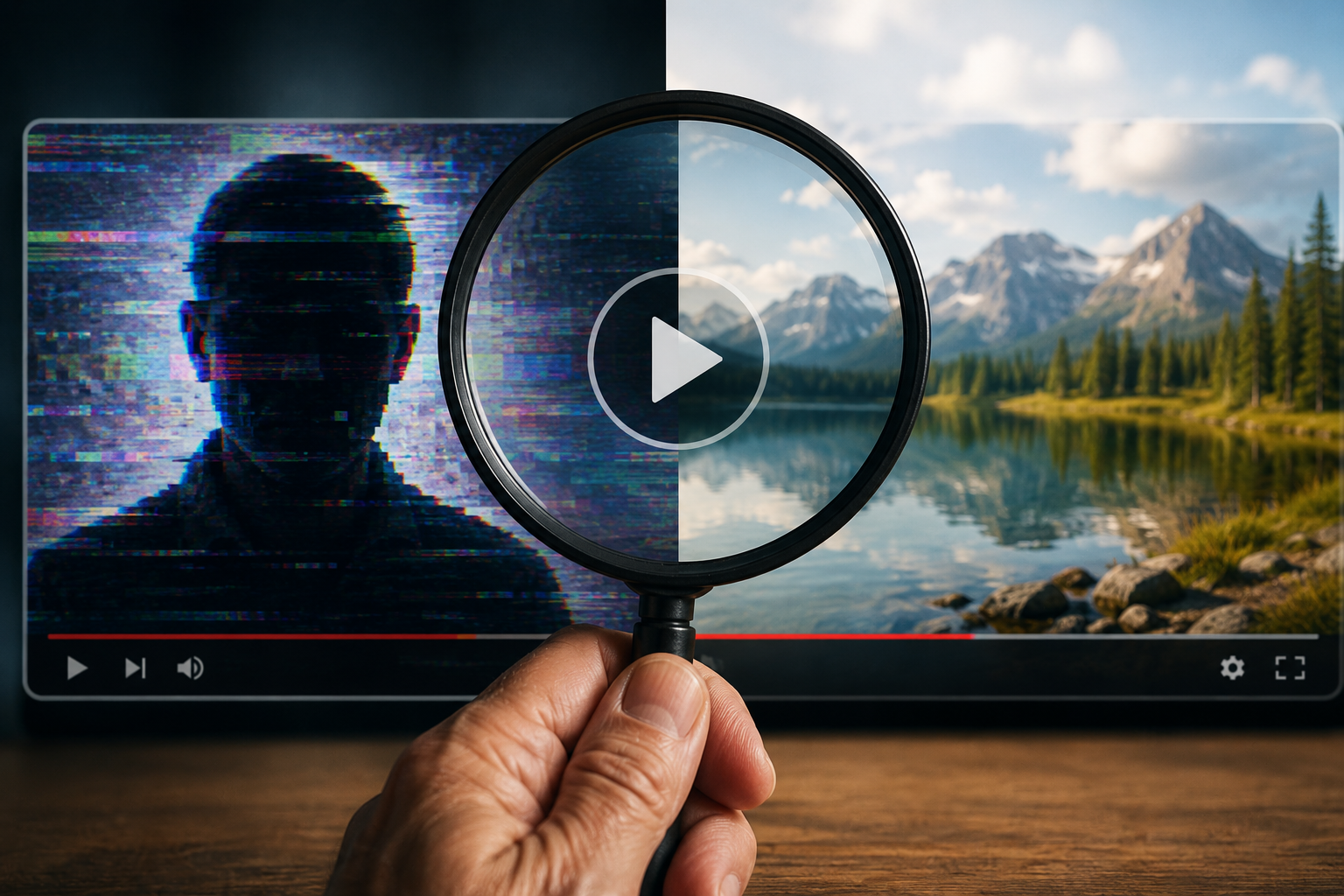
For years, people have heard this advice: Do not believe everything you read online.
Now we need to add something else:
Do not believe everything you see or hear online, either.
That is because artificial intelligence, often called AI, can now create videos that look very real. AI is computer software that can make text, pictures, voices, music, and video based on instructions from a person.
Some people call low-quality AI content “AI slop.” The word “slop” is not flattering. It usually means quick, messy, low-effort content. But today’s AI-made videos are often much smoother and more convincing than they used to be.
That makes them harder to spot.
What Is an AI-Generated Video?
An AI-generated video is a video made by a computer program instead of being recorded with a real camera.
A person can type a short instruction, sometimes called a prompt, such as:
“Make a video of a famous singer selling cookware.”
In just a short time, the AI tool may create a video that looks like the person is really speaking or acting.
Sometimes the video is silly and harmless. Other times, it can be misleading, hurtful, or dangerous.
What Is a Deepfake?
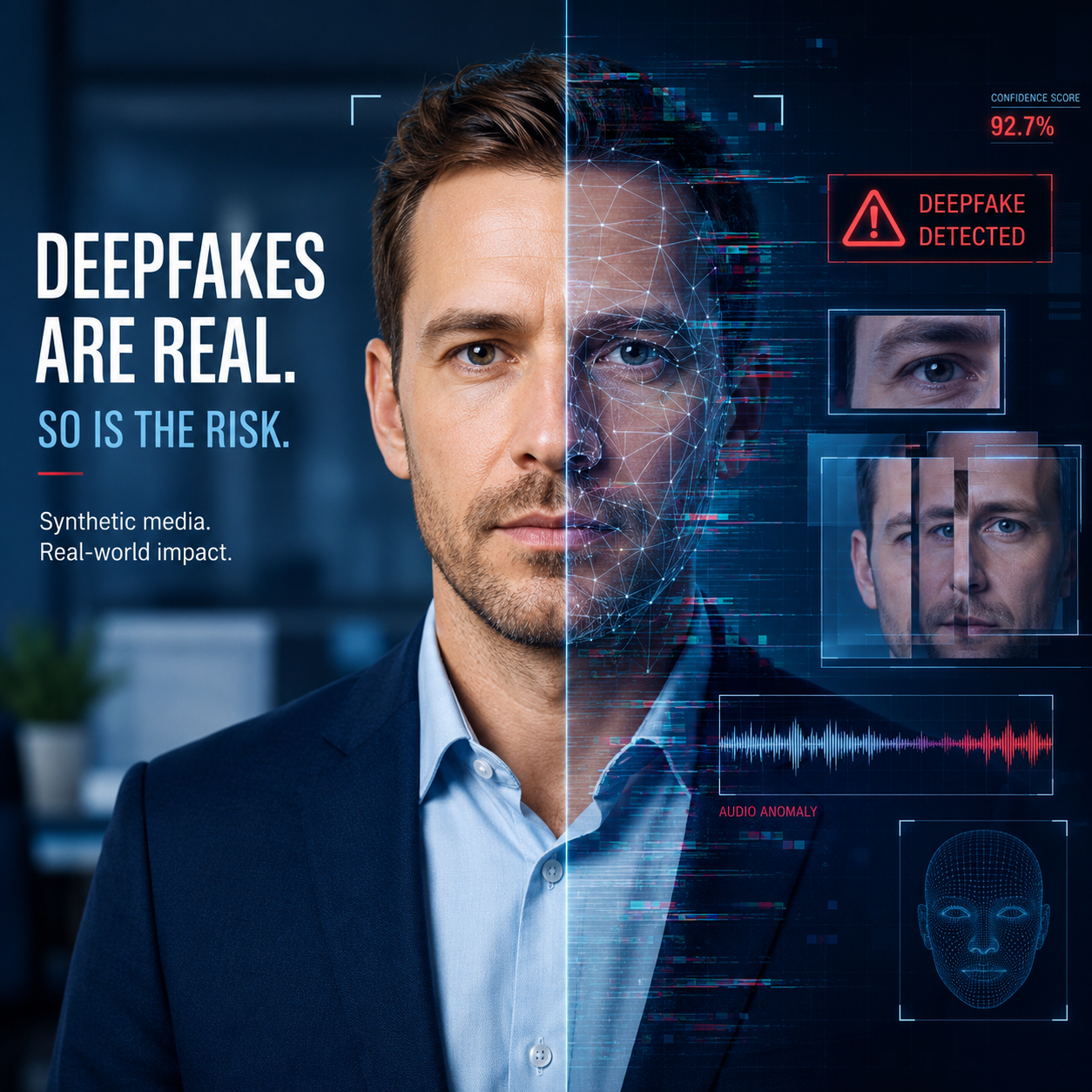
A deepfake is a fake video, picture, or audio clip that copies a real person’s face, voice, or appearance.
A deepfake may make it look like someone said or did something they never actually said or did.
For example, fake images and videos have spread online showing famous people promoting products, wearing unusual clothing, or appearing in situations that never happened.
That can fool viewers, especially when the video looks polished and professional.
Why This Matters
AI video tools are becoming easier to use. In the past, someone needed special skills to make a fake video. Now, many tools are simple enough that a person can create a fake-looking clip in minutes.
OpenAI’s Sora, one well-known AI video tool, attracted major attention after its launch. OpenAI later said the Sora web and app experiences were discontinued on April 26, 2026, while the Sora API is scheduled to be discontinued on September 24, 2026. An API is a tool that lets other software connect to a service.
Even with Sora going away, other AI video tools remain available. That means the larger problem has not disappeared.
Some AI Videos Are Just for Fun
Not every AI-made video is harmful.
Some are clearly meant to be jokes, such as a cat boxing in a sports ring or an Elvis-style singer making a silly song about a sandwich.
These videos may be funny. They may also be so strange that most people can tell they are not real.
But the problem begins when fake videos look believable.
The Bigger Concern: Scams and False Information
AI videos can be used to:
- Sell fake products
- Pretend a celebrity supports something
- Spread false political claims
- Create fake news footage
- Damage a person’s reputation
- Trick people into sending money
NewsGuard, an organization that studies the trustworthiness of online information, reported in October 2025 that Sora 2 produced realistic videos supporting false claims in 16 out of 20 test prompts. That means it succeeded 80 percent of the time in that test.
This does not mean every AI video is false or dangerous. It does mean viewers need to be careful.
Why Fake Videos Are Harder to Notice Now
Older fake images and videos often had obvious mistakes. You might see:
- Too many fingers
- Strange-looking eyes
- A mouth that did not match the words
- Blurry faces
- Odd shadows
- Movements that looked unnatural
Those clues can still happen. But newer AI videos are improving. The mistakes may be smaller and harder to notice.
That is why we cannot rely only on our eyes.
A Simple Rule: Pause Before You Share
Many fake videos are designed to make you react quickly.
They may make you feel angry, scared, shocked, excited, or eager to tell someone else.
That strong emotion is often the trap.
Before you share a video, pause and ask:
“Who wants me to believe this, and why?”
That one question can save you from spreading something false.
How to Check a Suspicious Video
1. Look at who posted it
Tap or click on the person’s profile.
Ask yourself:
- Do they seem trustworthy?
- Do they post extreme or shocking things often?
- Are they trying to sell something?
- Do they give a real source?
- Is this a new account with very little history?
A video from an unknown account deserves extra caution.
2. Search for the story somewhere else
Do a simple web search for the main claim.
For example, search:
“Did Taylor Swift promote free cookware?”
or
“Did this company announce free gift cards?”
Look for reliable sources, such as known news organizations, the company’s official website, or the public figure’s verified account.
A verified account usually means the platform has confirmed that the account belongs to the real person or organization. Verification is not perfect, but it can help.
3. Be careful with celebrity product videos
Fake celebrity endorsements are common.
If a video shows a famous person promoting a product, ask:
- Is this on the celebrity’s official account?
- Is it on the company’s official website?
- Are several trusted sources reporting it?
- Does the offer sound too good to be true?
Be especially careful with health products, investments, miracle cures, free giveaways, and anything asking for payment quickly.
4. Watch for emotional pressure
Slow down if the video says or suggests:
- “Act now!”
- “Do not miss this!”
- “Send money today!”
- “This secret is being hidden from you!”
- “Share before it gets deleted!”
Scammers often use urgency to stop people from thinking carefully.
5. Look for small visual clues
AI videos may still have mistakes. Watch for:
- Hands that look odd
- Jewelry or glasses changing shape
- Background objects moving strangely
- A face that looks too smooth
- Lips that do not quite match the voice
- Strange blinking
- Words on signs that look misspelled or distorted
These clues do not prove a video is fake, but they are warning signs.
6. Check for labels or watermarks
Some AI videos include a label or watermark. A watermark is a small mark or logo placed on a video to show where it came from.
But watermarks are not foolproof. They can sometimes be cropped out, covered, or removed.
So, do not trust a video just because you do not see a warning label.
7. Use a verification tool when possible
Some tools can help check whether a video has information about how it was made.
One example is the Content Authenticity Initiative’s verification tool. It is designed to look for content information sometimes described as a digital “nutrition label.”
That kind of label may show whether a file was made or changed using AI.
However, these tools do not work on every video. They are helpful, but not perfect.
Also, be careful about downloading files from the internet. Do not open files from people or websites you do not trust.
What Is Metadata?
You may hear people talk about metadata.
Metadata means hidden information stored inside a file. It can include details such as:
- When the file was created
- What device or software made it
- Whether it was edited
- The file size
Think of metadata like the tag inside a shirt. It is not the shirt itself, but it gives you extra information about where it came from.
The problem is that metadata can be missing, changed, or hard to read without special tools. So, it can help, but it should not be your only check.
When You Should Be Extra Careful
Be especially cautious if a video involves:
- Politics or elections
- War or emergencies
- A celebrity selling something
- A request for money
- A health claim
- A prize or giveaway
- A person saying something shocking
- A company supposedly making a huge announcement
These are exactly the kinds of topics people may fake to get attention, money, or influence.
What to Do Before Sending a Video to Friends
Before you share, try this quick checklist:
Stop. Do not share right away.
Check the source. Who posted it first?
Search elsewhere. Are reliable sources also reporting it?
Look for pressure. Is it trying to scare you or rush you?
Ask someone you trust. A second opinion can help.
When in doubt, do not share. It is better to be careful than to accidentally spread false information.
A Helpful Habit: “Trust, but Verify”
It is fine to enjoy funny or creative AI videos. Many people use AI tools for art, education, entertainment, and simple demonstrations.
But when a video claims to show something important or shocking, treat it with care.
A realistic video is no longer proof that something really happened.
The safest approach is simple:
Pause. Check. Then decide.
That small pause can protect you, your friends, and your family from scams and false information.

.png)