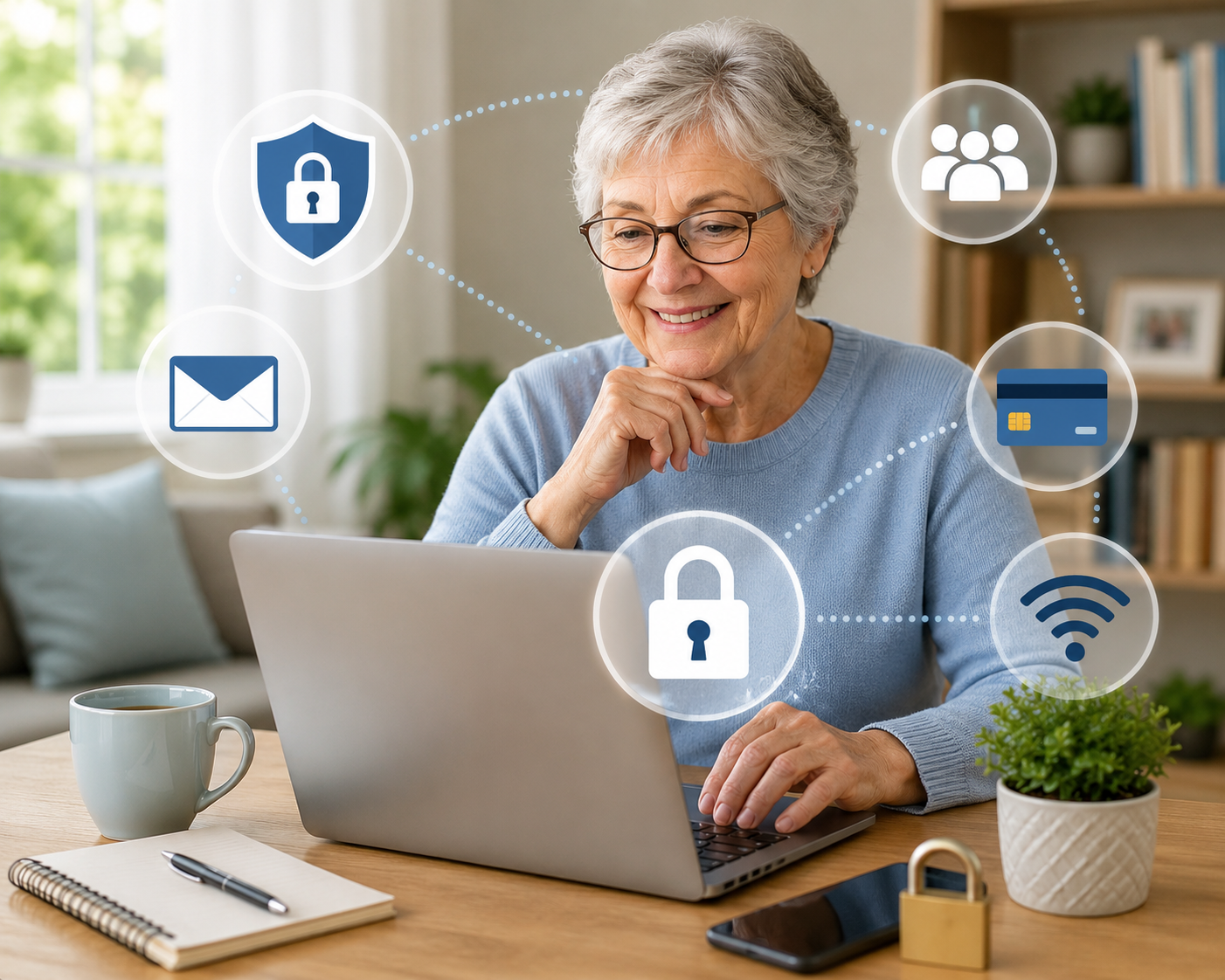
Using the internet can be helpful and enjoyable. You can read the news, learn new skills, talk with family and friends, shop, play games, and much more.
But just like you fasten your seat belt before driving, it is smart to take a few safety steps before using the internet.
A helpful way to remember this is:
Stop. Think. Connect.
That means:
Stop before clicking or sharing.
Think about whether something seems safe.
Connect only after you feel comfortable and protected.
Protect Your Personal Information
Your personal information is valuable. Treat it like money.
Personal information can include your name, address, phone number, passwords, bank information, Social Security number, birthday, or details about your family.
Lock Your Devices
Your phone, tablet, or computer may hold private information. Locking your device helps keep other people from seeing it.
Use a password, PIN, fingerprint, or face lock if your device offers one.
Think of this like locking the front door to your home. It helps protect you if your device is lost or stolen.
Be Careful with Urgent Messages
Scammers often try to make you feel rushed or afraid.
They may send a message saying there is a problem with your bank account, taxes, delivery, computer, or payment. They want you to act quickly before you have time to think.
Pause before you respond.
Do not click a link or call a number from a message unless you are sure it is real. Instead, contact the company using a phone number or website you already know and trust.
When in Doubt, Throw It Out
Links in emails and text messages can sometimes lead to unsafe websites.
A link is a piece of text or a button you click to open a website.
Even if a message looks like it came from someone you know, be careful if it seems strange. Their account may have been copied or taken over.
When a message looks odd, unexpected, or too urgent, it is often safest to delete it.
Make Strong Passwords
A password protects your accounts, such as email, banking, shopping, or social media.
A strong password should be long and hard for someone else to guess.
One simple method is to use a sentence or phrase you can remember. For example:
I love country music.
Longer passwords are usually safer than short ones. Some websites even allow spaces in passwords.
Keep Passwords in a Safe Place
Everyone forgets passwords sometimes.
It is okay to write them down, but keep the list in a safe place away from your computer. For example, you might keep it in a locked drawer or another private place in your home.
Share with Care
What you post online can last a long time.
A post is something you put on the internet, such as a photo, comment, message, or update.
Before posting, think about what the photo or message might reveal. It may accidentally show where you live, where you are traveling, who is in your family, or when you are away from home.
Treat Others Kindly Online
The golden rule applies online, too.
Post about other people only in ways you would want them to post about you.
Before sharing a photo or personal story about someone else, it is polite to ask for their permission.
Use Privacy Settings
Many websites and apps have privacy settings.
Privacy settings let you choose who can see your information, photos, and posts.
For example, you may be able to share something only with friends or family instead of everyone on the internet.
It is a good idea to learn where these settings are on the websites and apps you use most often.
A Simple Safety Checklist
Before clicking, posting, or sharing online, ask yourself:
Is this message trying to scare me or rush me?
Do I know who sent it?
Was I expecting this message?
Does the link look safe?
Am I sharing private information?
Would I be comfortable if strangers saw this post?
Taking a moment to pause can help you avoid many online problems.
Final Reminder
The internet can be a wonderful tool. You do not need to be afraid of it.
Just remember:
Stop before you click.
Think before you share.
Connect after you have taken simple steps to protect yourself.

.png)