Scammers are always looking for new ways to steal money or personal information. The good news is that you do not have to be a technology expert to protect yourself.
A few simple habits can lower your risk of losing money, having your identity stolen, or giving private information to the wrong person.
Fraud losses are serious. The FBI’s 2025 Internet Crime Report says Americans reported more than $20 billion in internet crime losses, and adults age 60 and older reported about $7.7 billion in losses. AARP also reported that fraud losses may be much higher because many people never report what happened.
Here are 15 practical ways to protect yourself.
Key Takeaways
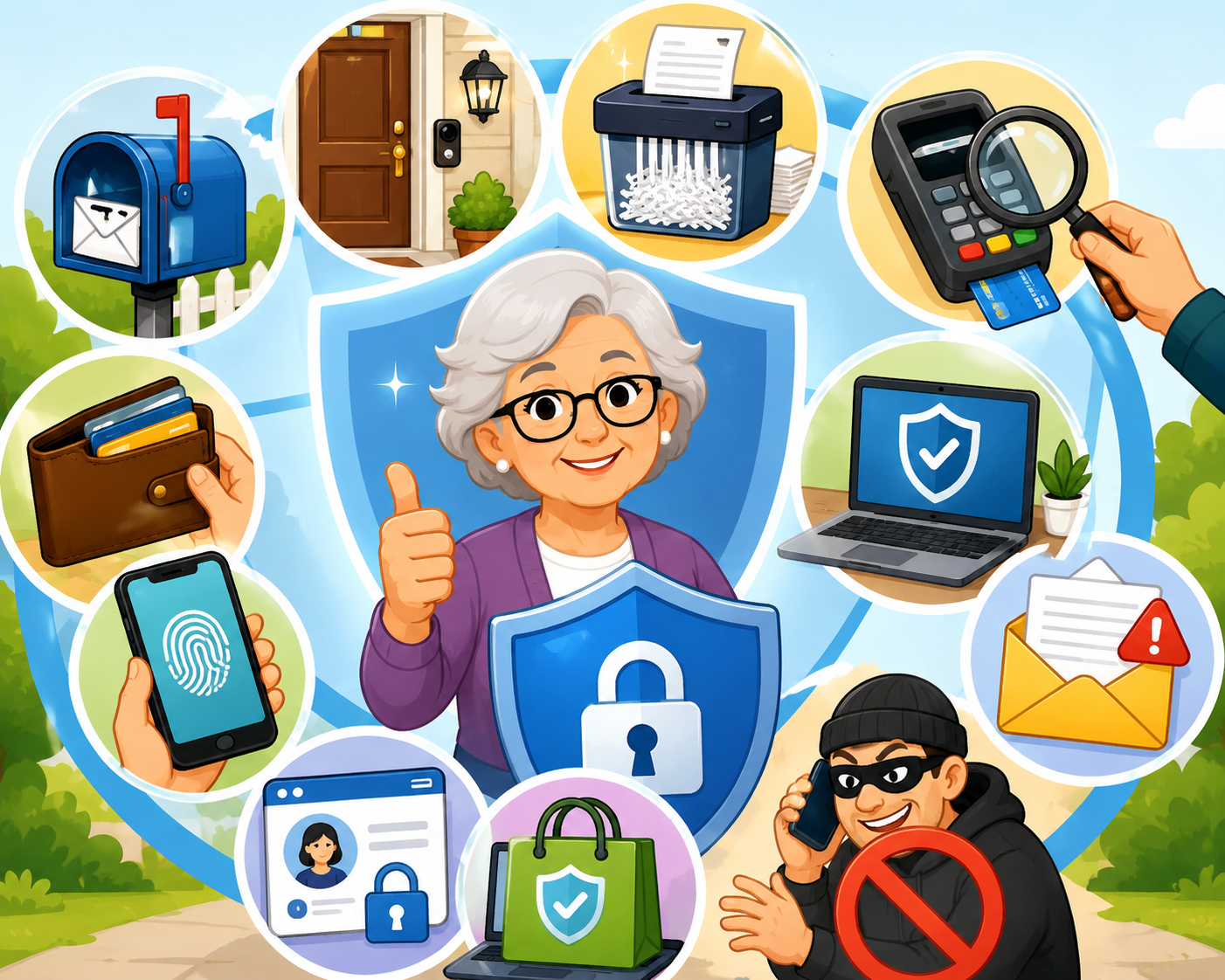
Scams often arrive by phone, email, text message, social media, regular mail, or even at your front door.
You can block many scams by slowing down, refusing pressure, checking before you pay, and keeping your private information private.
Strong passwords, two-factor authentication, credit freezes, and regular account checks can limit the damage if your information is exposed.
A trusted friend, family member, banker, or fraud helpline can help you think through a suspicious request before you send money.
1. Protect Your Mailbox
Scammers sometimes steal mail to find checks, bills, bank statements, or personal information.
The U.S. Postal Service offers a free service called Informed Delivery. It emails you pictures of letter-size mail that should arrive soon. This can help you notice if something is missing.
You can sign up at the U.S. Postal Service website: InformedDelivery.usps.com.
It is also wise to:
Pick up your mail soon after it arrives.
Take outgoing mail, especially checks, directly to the post office.
Avoid leaving mail sitting in your mailbox overnight.
Be careful with paper checks. Some criminals steal checks from mailboxes, erase the writing, and rewrite the checks to themselves.
2. Be Careful at Your Front Door
Some scammers come to the door pretending to sell something, collect donations, or work for a utility company.
You do not have to open the door to someone you do not know.
A simple script can help:
“I do not do business at my door. Please leave me something to review. If I’m interested, I’ll call you.”
You may want to tape that sentence near your door as a reminder.
Be especially careful if someone says they need to come inside right away. Real utility workers usually have appointments, identification, or a way for you to confirm the visit with the company.
A video doorbell or simple door camera may also help you see who is there before you answer.
3. Shred Papers With Private Information
Identity thieves can use old papers to learn about your finances, medical care, or accounts.
Before throwing papers away, shred anything that includes:
Bank account numbers
Credit card numbers
Social Security numbers
Medicare information
Medical bills
Insurance documents
Shipping receipts
Tax papers
A cross-cut shredder is best because it cuts paper into small pieces. Many towns, libraries, banks, and community centers also offer shredding events.
4. Watch for Card Skimmers
A card skimmer is a small device criminals place over a real card reader. It can steal your card information when you swipe or insert your card.
Before using a card reader at a gas pump, ATM, or checkout machine, look for signs of tampering.
Watch for:
Loose parts
Broken plastic
Scratches around the card slot
A card reader that looks different from nearby machines
A keypad that feels unusual
When in doubt, go inside and pay the cashier, use another machine, or choose a different payment method.
5. Check Your Credit Report
Your credit report shows accounts opened in your name. Checking it can help you spot identity theft.
You can check your credit report at AnnualCreditReport.com or by calling 877-322-8228.
Look for:
Credit cards you did not open
Loans you do not recognize
Addresses that are not yours
Hard credit checks you did not approve
If you see something suspicious, report it right away.
You can also freeze your credit. A credit freeze helps stop criminals from opening new credit cards or loans in your name. You can unfreeze it later when you need to apply for credit.
For identity theft help, visit IdentityTheft.gov.
6. Clean Out Your Wallet
If your wallet or purse is lost or stolen, anything inside it could be used by a criminal.
Do not carry items you do not need every day.
Leave these at home in a safe place:
Social Security card
Medicare card, unless you need it for an appointment
Extra credit cards
Blank checks
Passwords or PIN numbers
You may want to make a copy of the front and back of the cards you do carry. Store the copy in a safe place. This can make it easier to cancel cards if your wallet is lost.
7. Protect Your Bank and Credit Card Accounts
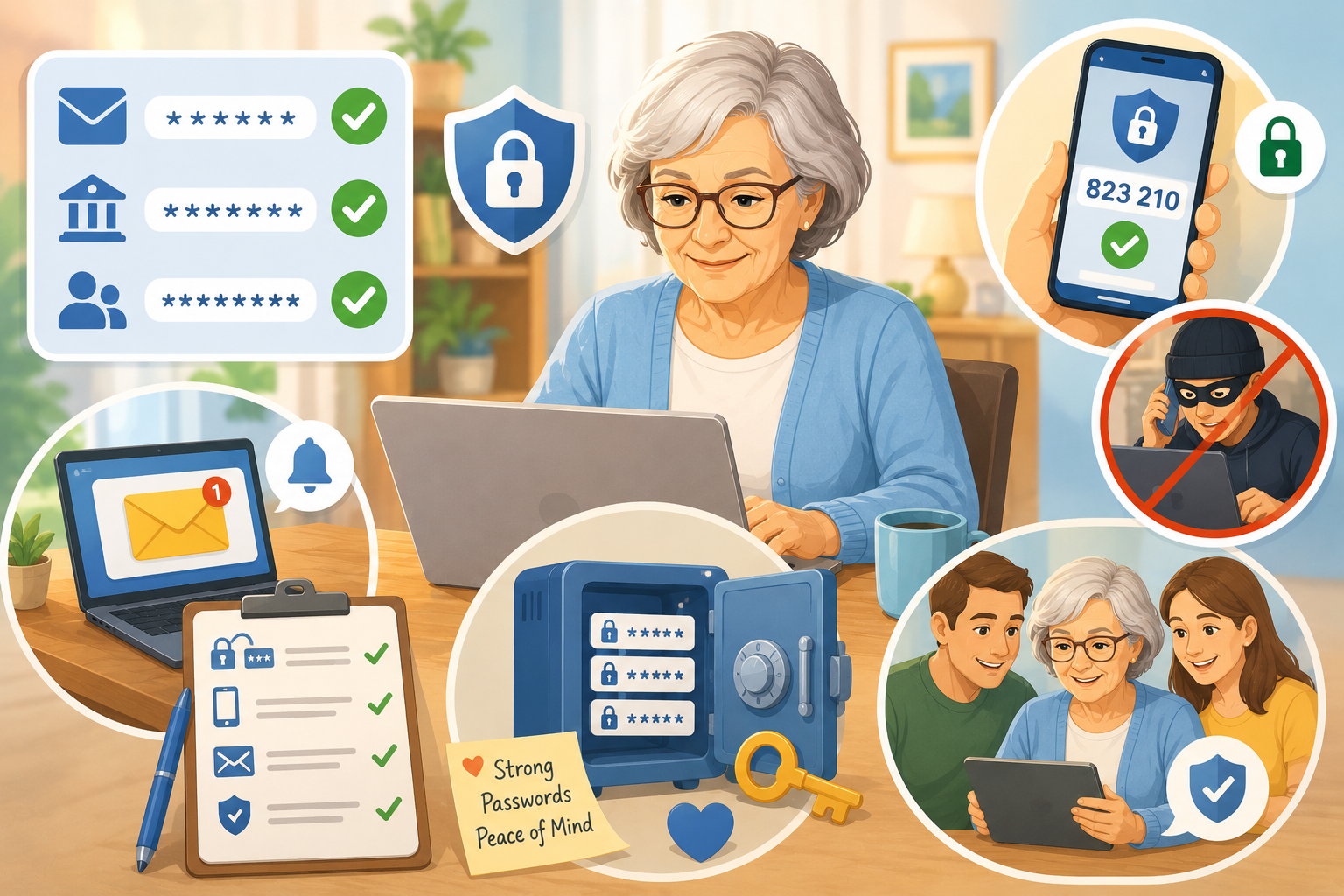
Create online accounts for your banks, credit cards, retirement accounts, and other financial services. This helps you check your accounts often and notice problems quickly.
Use a different password for each account.
A strong password can be a passphrase, which is a short sentence or phrase that is easy for you to remember but hard for others to guess.
For example, a passphrase like:
MyDogLikes2Nap!
is stronger than a short password like:
Scruffy23
To keep track of passwords, use either:
A trusted password manager, which is a secure app that stores passwords
A written password list kept in a locked, private place
Also turn on two-factor authentication when available. This means the account asks for a second proof that it is really you, such as a one-time code sent to your phone.
Check your transactions every week or two. If you see a charge you do not recognize, contact your bank or credit card company right away.
8. Safeguard Your Smartphone
Your smartphone may hold a lot of private information, including email, text messages, bank apps, photos, and contact lists.
Use a lock on your phone. Newer phones may let you unlock with your face or fingerprint. This is called biometric identification.
Also consider these steps:
Send unknown callers to voicemail.
Make sure your voicemail is set up and not full.
Do not answer unexpected texts from businesses.
Do not click links in surprise text messages.
Sign out of financial apps when you are done using them.
Be careful with apps such as Venmo, Cash App, or Zelle. These are used to send money quickly, and scammers often try to pressure people into using them.
If you get a message that looks like it came from your bank, delivery company, doctor’s office, or another business, do not use the link in the message. Instead, call the company using a number you know is real or go to the company’s official website yourself.
9. Secure Your Computer
Your computer should have basic protections in place.
Turn on two-factor authentication for important websites, such as:
Banks
Credit cards
Utilities
Health insurance
Social Security or government accounts
You may also see websites offer passkeys. A passkey lets you sign in using your face, fingerprint, screen lock, or another secure method instead of typing a regular password.
Consider using antivirus software. Antivirus software helps find and block harmful programs. Some services also include features such as ad blocking, backup storage, or identity monitoring.
10. Protect Your Email
Email is one of the most common ways scammers reach people.
Mark unwanted emails as spam. Spam means unwanted or junk email. When you mark a message as spam, your email service may block similar messages in the future.
Do not open attachments from people or businesses you do not fully trust.
An attachment is a file included with an email, such as a document, picture, invoice, or form. Scammers sometimes hide harmful software inside attachments.
Be extra careful with emails that say:
Your account will be closed.
You owe money.
You won a prize.
You must act immediately.
There is a problem with a delivery.
A loved one needs help.
When a message feels urgent or frightening, pause before you click.
11. Set Limits on Social Media
Social media can help you stay connected, but it can also give scammers information about you.
Set your Facebook profile so only friends can see your posts.
On Facebook, look for Settings & Privacy, then use Privacy Checkup. This tool walks you through who can see your information.
Be careful about accepting friend requests from people you do not know.
Also be aware that scammers sometimes pretend to be someone you do know. They may copy a real person’s name and photo, then send a message asking for money or help.
If a friend sends an unusual message asking for money, gift cards, or personal information, call that person using a phone number you already have.
12. Check Online Stores Carefully
Scammers create fake websites that look like real stores.
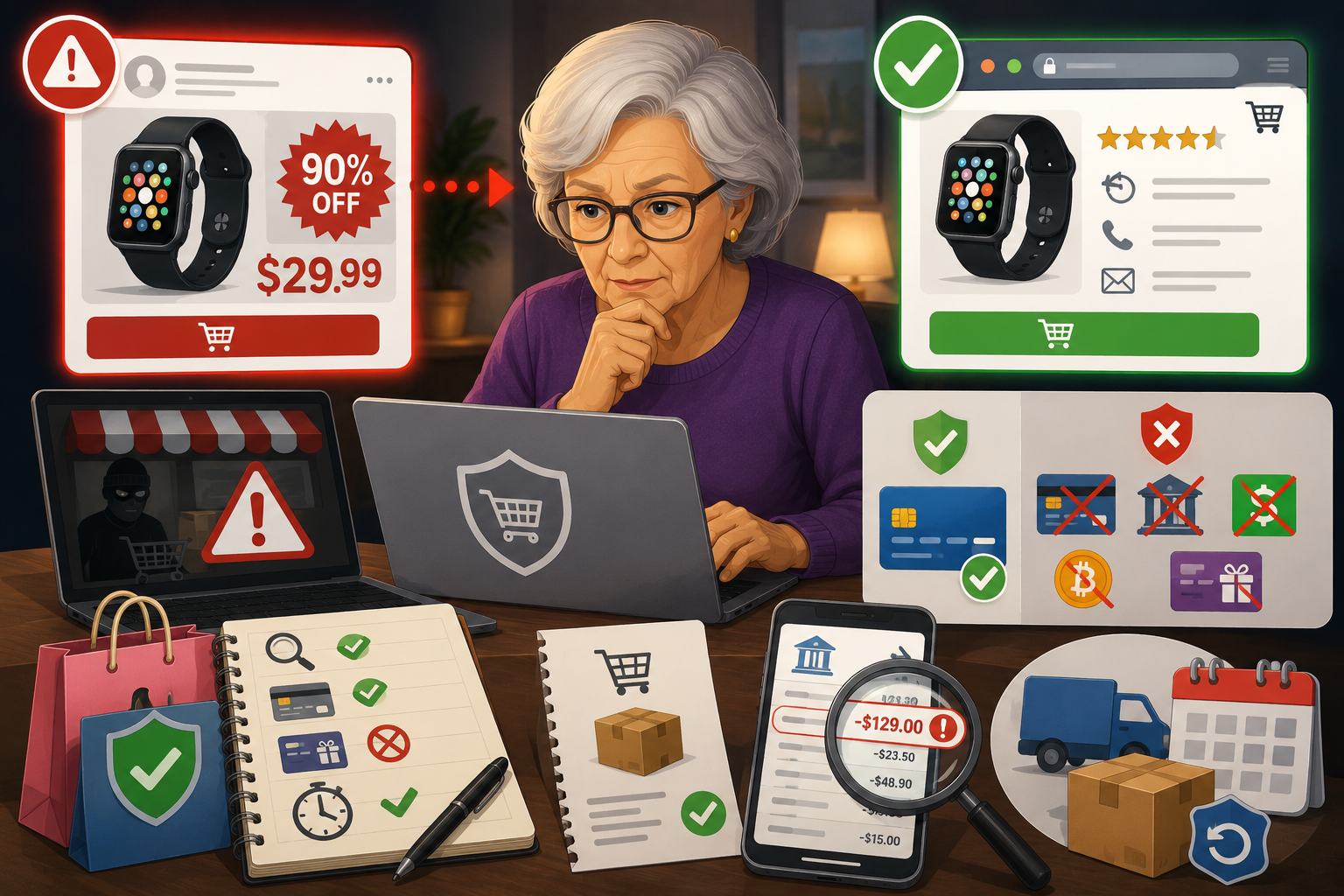
Before buying online, check the website address carefully. Scammers may use a web address that is almost correct but has one letter changed.
For example, they may use something that looks close to a real store name but is not the real website.
Be cautious if a website:
Offers prices that seem too good to be true
Has many spelling mistakes
Has no clear return policy
Only accepts unusual payment methods
Pressures you to buy immediately
It is also safer not to store your credit card number on every shopping or restaurant website. Use a secure payment service when possible, or enter your card only when you are ready to buy from a trusted site.
13. Do Not Pay Strangers With Gift Cards, Cryptocurrency, or Gold
Scammers often ask for payment methods that are hard to trace and hard to reverse.
Be suspicious if someone asks you to pay with:
Gift cards
Cryptocurrency, such as Bitcoin
Gold bars or coins
Prepaid debit cards
Wire transfers
Payment apps
A real government agency, utility company, bank, or police department will not demand gift cards as payment.
Credit cards often offer better fraud protection than many other payment methods. If someone insists on a strange payment method, stop and talk to someone you trust before sending anything.
14. Choose a Trusted Sounding Board
A sounding board is someone you can talk to before making a big decision.
This could be:
A trusted family member
A close friend
A banker
A financial adviser
An attorney
A local senior services office
Before sending a large payment, moving money, buying cryptocurrency, or giving personal information, talk it over with your sounding board.
You can also contact the AARP Fraud Watch Network Helpline at 877-908-3360. AARP says the helpline offers advice, support, and resources for people dealing with scams.
15. Change How You Respond to Strangers
You are not rude for refusing to answer strangers.
You do not have to respond to unexpected calls, emails, texts, social media messages, or people at your door.
A helpful rule is:
Do not engage. Pause, check, and verify.
On an iPhone, you can add family, friends, doctors, and other important numbers to your contacts. Then you can turn on Silence Unknown Callers in your phone settings. Calls from numbers not in your contacts will go to voicemail.
For any phone, you can let unknown calls go to voicemail. Real callers can leave a message.
If a scammer gets through, use a short script:
“I do not do business over the phone. Goodbye.”
Then hang up.
You do not need to explain. You do not need to argue. You do not need to be polite to someone trying to pressure you.
Final Reminder
Scammers want you to feel rushed, scared, excited, or embarrassed. Those feelings make it harder to think clearly.
When something feels wrong, slow down.
Do not click.
Do not pay.
Do not share personal information.
Talk to someone you trust first.
A few minutes of caution can protect your money, your identity, and your peace of mind.
Based on a post by Amy Nofziger and Mark Fetterhoff.
See https://www.aarp.org/money/scams-fraud/protecting-yourself-from-criminals/ for more.